Decision Craft Wiki
Game Concepts
The key terms used throughout the game.
Core Concepts
This page explains the main pieces of Decision Craft so you can follow any screen or tooltip.
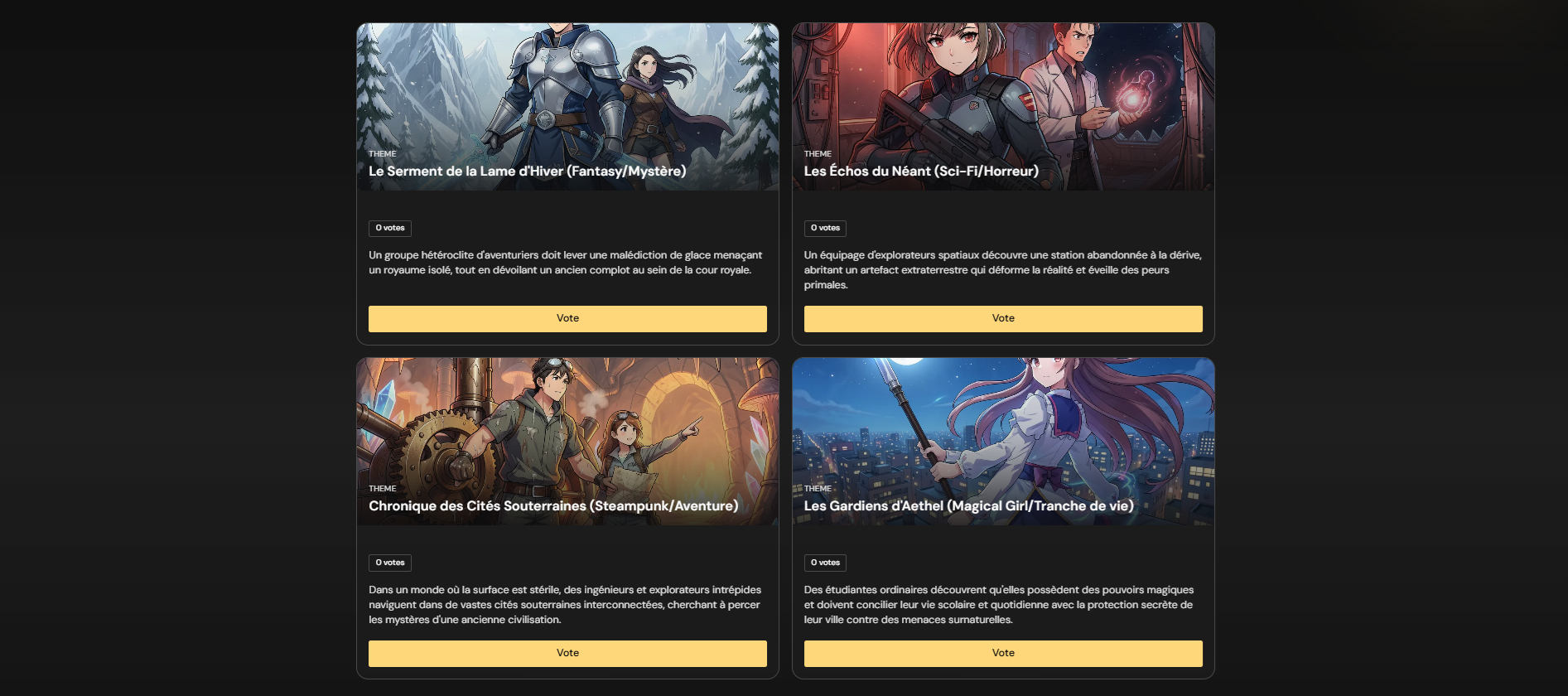
Theme
The overall fantasy or genre concept for the run. Themes include an image and
a short description, and they influence everything else generated.
You can also propose a custom theme.
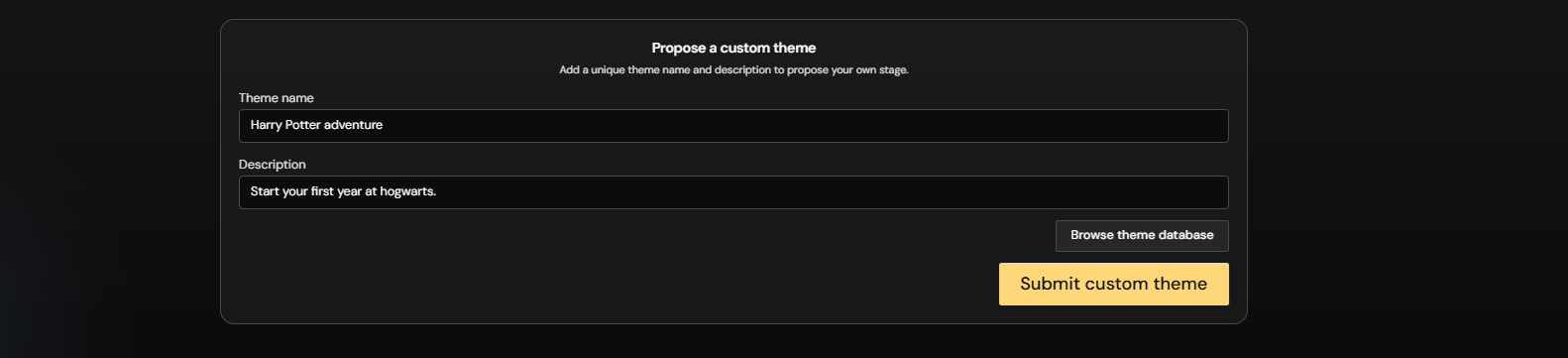
If you want some inspiration, you can check the theme database.

Custom themes can include character wishes, which are short player-written prompts that steer the generated characters toward a certain fantasy or role.
Use Save to My stories to extract a starting scenario from Previous Games. Story templates can be replayed, edited and published in the community library.
World
The setting created from the chosen theme. Includes:
- World name and lore
- Currency name
- World traits
- Locations discovered as the story progresses
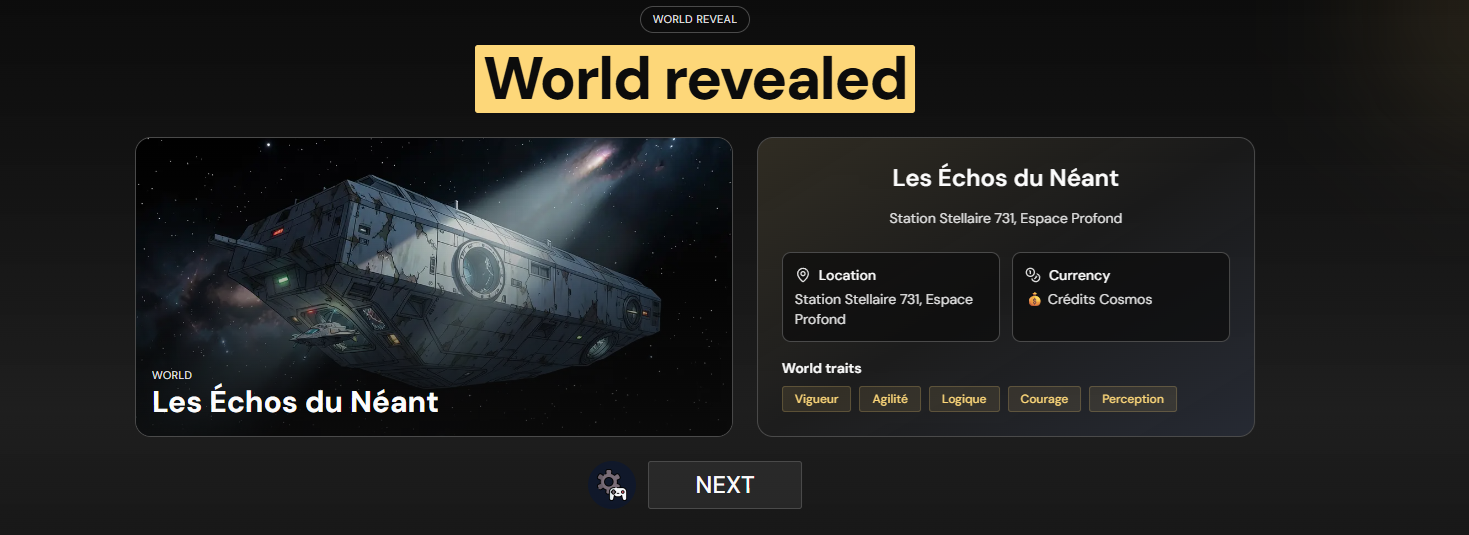
Generated images can use anime or photorealistic styles. The host can change the image style in Room Info during a game. New images use the current style, so a game can contain both styles.
Characters
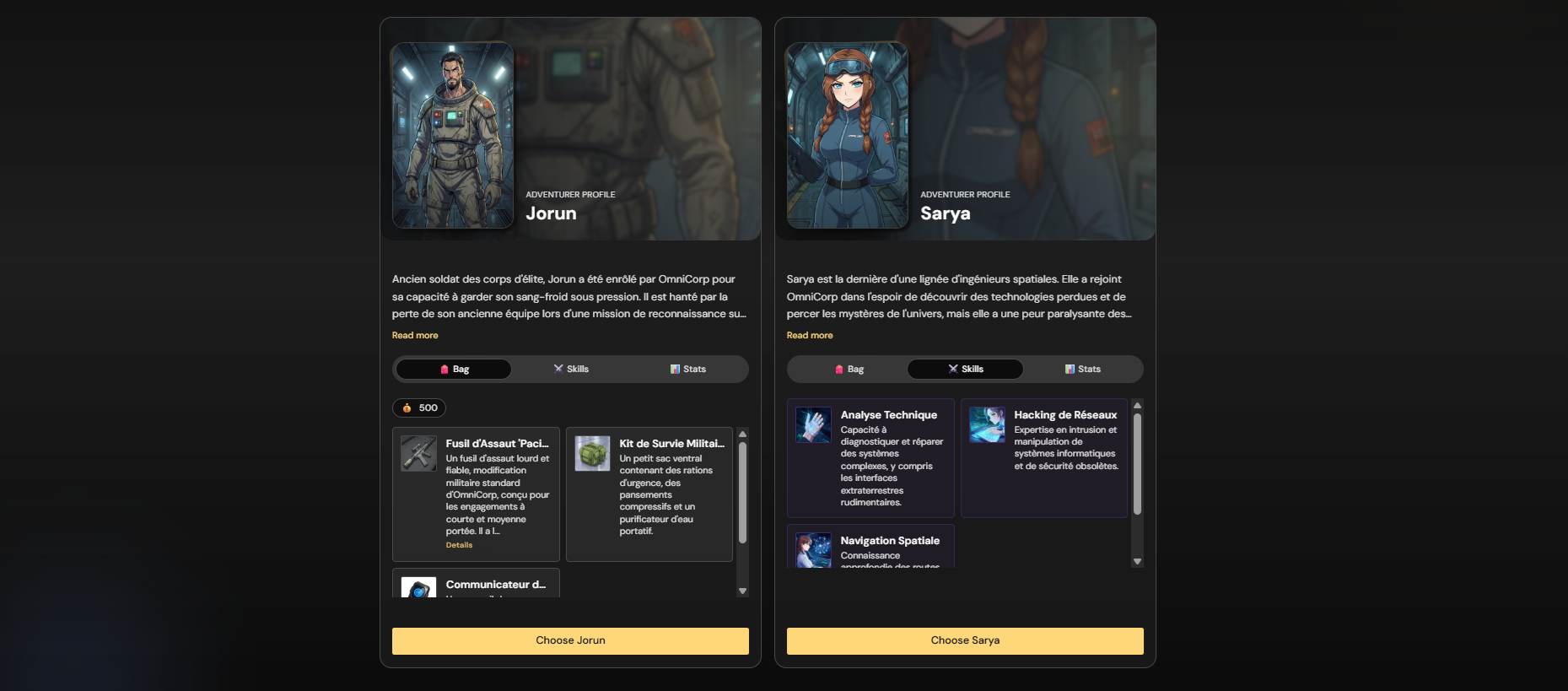
Each player chooses a character generated for the world:
- Items (bag)
- Skills (abilities/spells)
- Stats (attributes)
- Background and story hooks
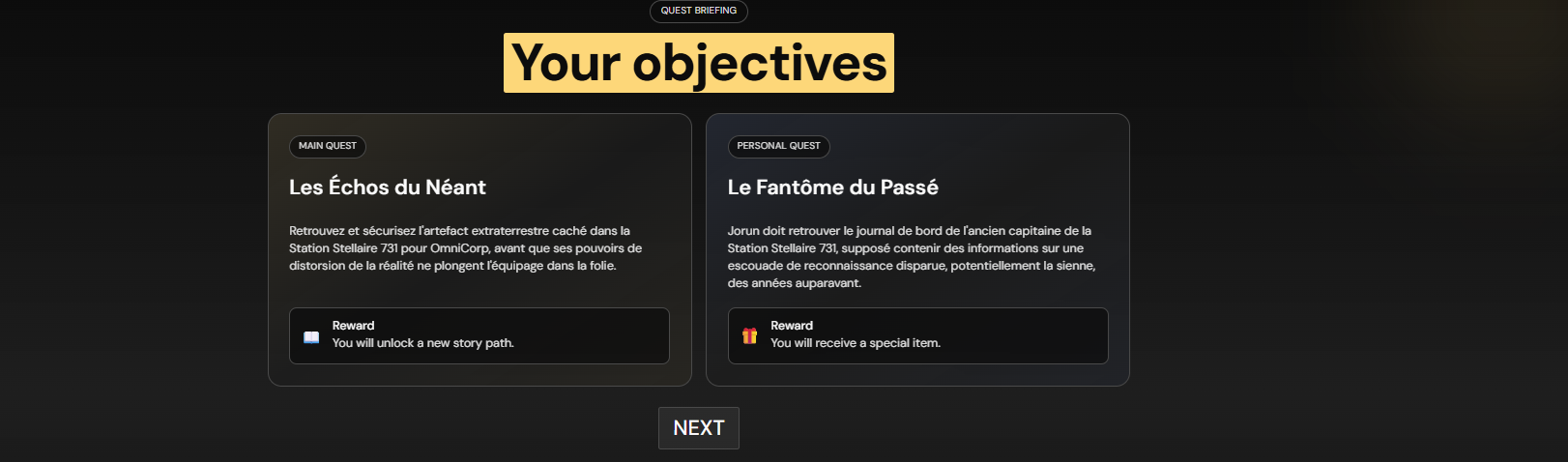
Quests
Each run includes:
- Main quest for the whole party
- Personal quest for each character
Rewards can be money, items, skills, or story outcomes.
Rounds
Gameplay proceeds in rounds. Each round includes:
- A scene with story text and an image
- A set of choices
- A result that changes the world
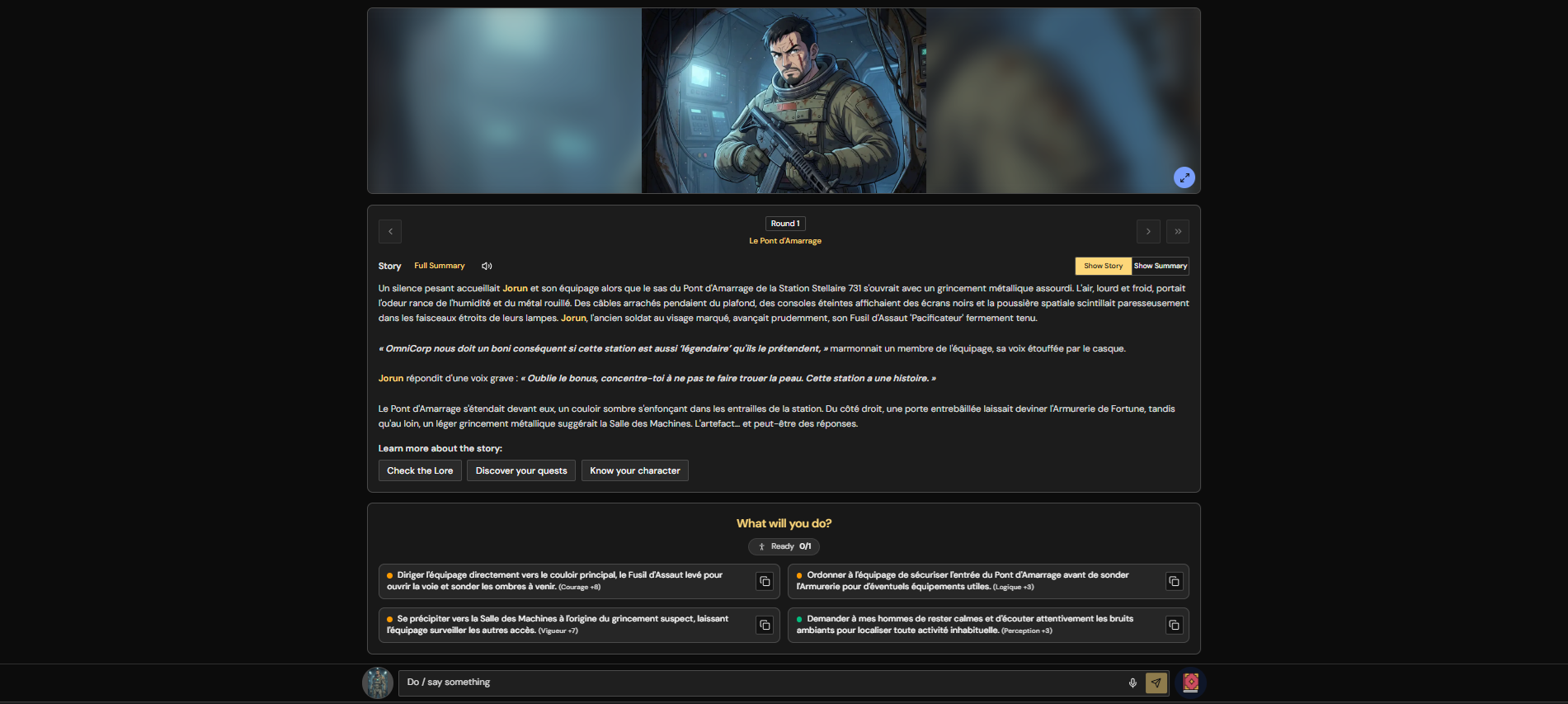
Runs often begin like one-shots, but they can continue for as long as the story still has momentum.
Choices
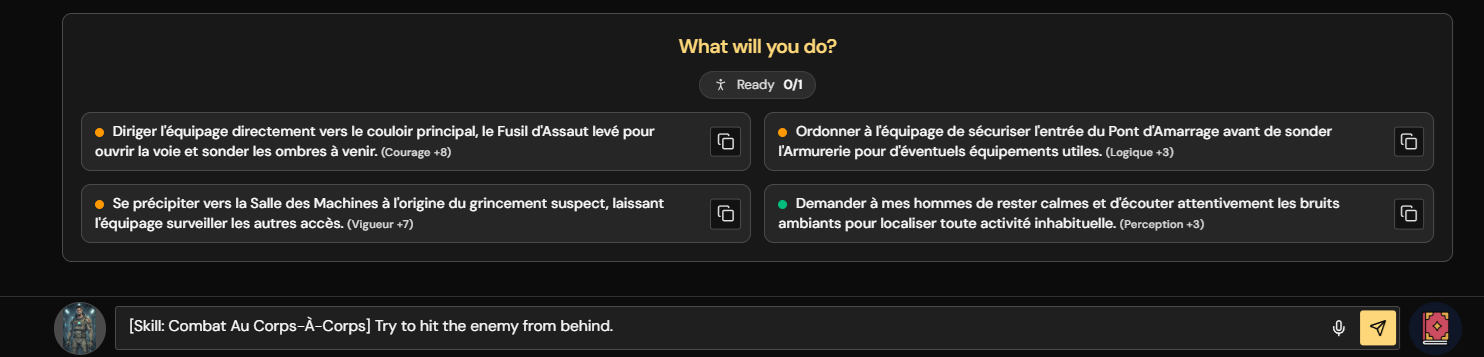
Players can:
- Vote for a listed choice
- Write a custom choice
- Use an item or skill to prefill a custom choice
Dialogues
During scenario play, you can switch from Act to Talk and start a direct dialogue with an NPC. This is separate from voting on a choice:
- Pick up to 4 NPCs who are available at your character's current location.
- Write what your character says.
- Wait for the AI to answer in-character.
- Usually one NPC answers first, but if several are selected, multiple NPCs can reply and react to each other.
- Use dialogue to ask questions, negotiate, roleplay, threaten, flirt, or get clues.
Effects
Effects are changes applied by the story:
- Active effects that persist across rounds
- Round effects applied in the current turn
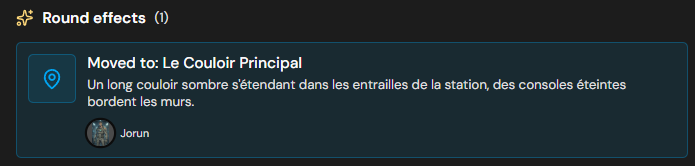
Effects can also include new images, quest updates, NPC arrivals, money changes, and location changes.
Manual Edits
Decision Craft includes a manual Edit system so you can correct important details when the AI gets something wrong:
- Players can adjust their own character text.
- Portraits can be reverted to a previous generated version.
- Hosts can update NPCs, items, skills, and some quest outcomes.
- Every change is logged in the edit history.
NPCs
Non-player characters appear during the story. NPCs can join, help, or be eliminated depending on the narrative. Their locations and companions are tracked as the party moves through the world. You can open the NPC list from the game sidebar or talk to NPCs at your current location.
Eliminations & Spectators
If a character is eliminated, the player can remain as a spectator and keep watching the story. The lobby can also be recreated for the eliminated player to get a new character. If all players are eliminated, the game is over and cannot be continued.